
Confirm the accepted payment method
Ask the hospital about cash, bank cards, WeChat Pay, Alipay, deposits and insurance direct billing for your specific visit.
Ask the hospital which payment methods it accepts and check your insurer’s approval requirements. Mobile payment setup does not guarantee that every overseas card or every hospital transaction will be supported.
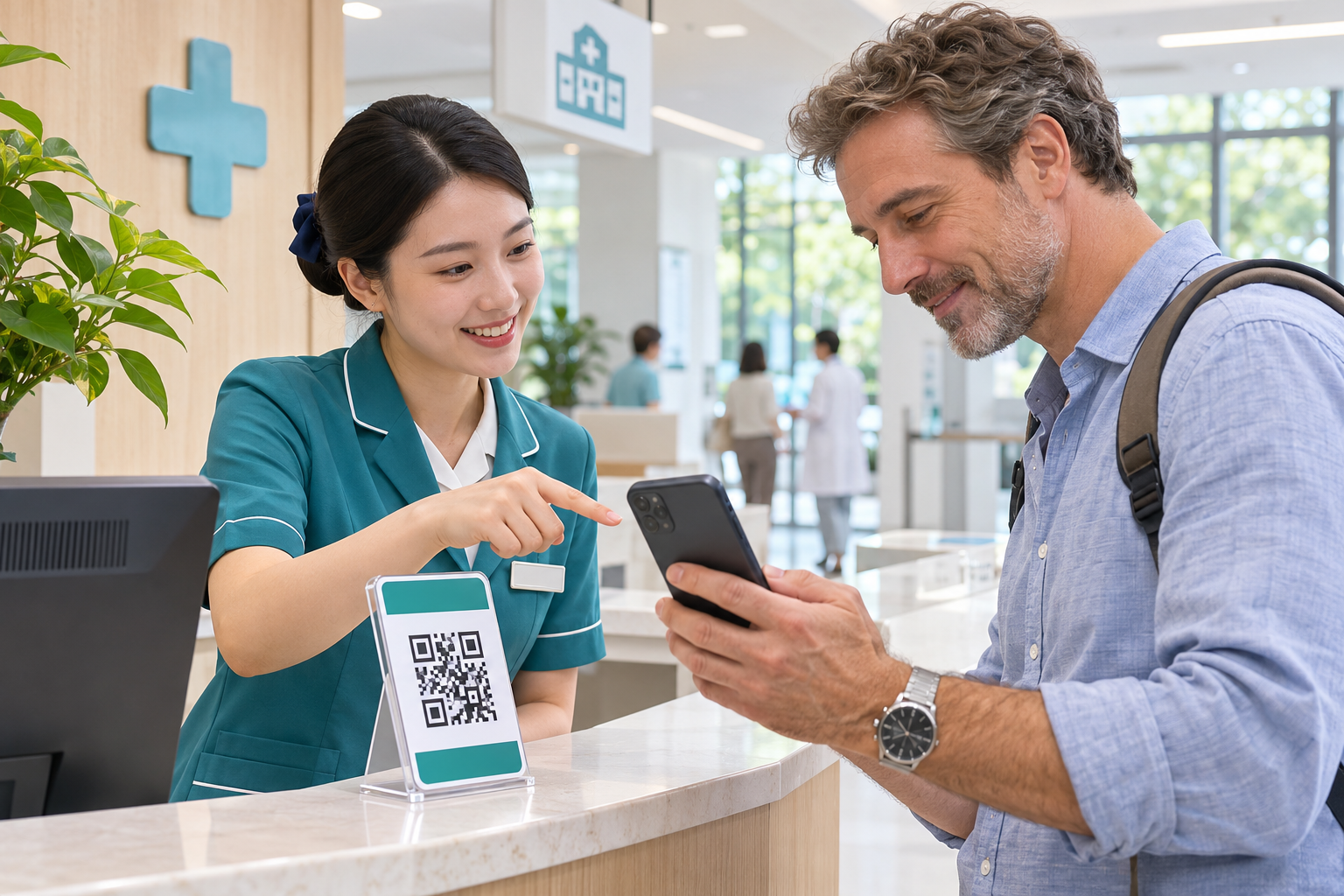
Ask the hospital about cash, bank cards, WeChat Pay, Alipay, deposits and insurance direct billing for your specific visit.
Download WeChat or Alipay from an official app store and follow the provider’s current account and identity-verification instructions.
Follow the app’s official instructions to add a supported card and confirm fees, limits and any bank approval before relying on it.
Check the hospital name, amount and payment purpose; use the hospital’s own payment route and keep the receipt.
Carry an accepted backup payment method and ask for itemised bills needed for insurance claims or later clarification.
Use the official app store. Have your own mobile number available for verification texts, your bank card and any identity document requested by the app. Check with your card issuer that overseas and online payments are enabled.
Ask which desk, app or mini program handles the bill. A card working in a shop does not confirm it will work in every hospital’s online system. Confirm accepted methods and whether a deposit is required; ask for an itemised bill and receipt.
Check network access, card details, bank authorisation and the app’s message. Ask the official support channel or hospital cashier about alternatives. Use your backup card or cash where accepted; do not repeatedly approve an unfamiliar request.
App fees, card-network acceptance, bank charges and limits may vary. Read the current terms shown in the app and ask about larger medical bills before the appointment. This guide does not promise a fixed fee or transaction limit.
Ask the hospital which payment methods it accepts and check your insurer’s approval requirements. Mobile payment setup does not guarantee that every overseas card or every hospital transaction will be supported.
Ask a practical question about hospital information, official contacts or preparing for a visit.